School Management System: the whole school office in one system
How we gave IYF Busia one offline-first student management system for admissions, attendance, exams, and fees, replacing [paper registers and spreadsheets].
- Client
- IYF Busia
- Industry
- Education
- Services
- Digital Engineering, Managed Services
- Timeline
- 3 months
The challenge
Thousands of students, run on paper
- 01
Each intake brought over 1,000 applicants whose details were re-typed from Excel application forms, with typos in names and courses.
- 02
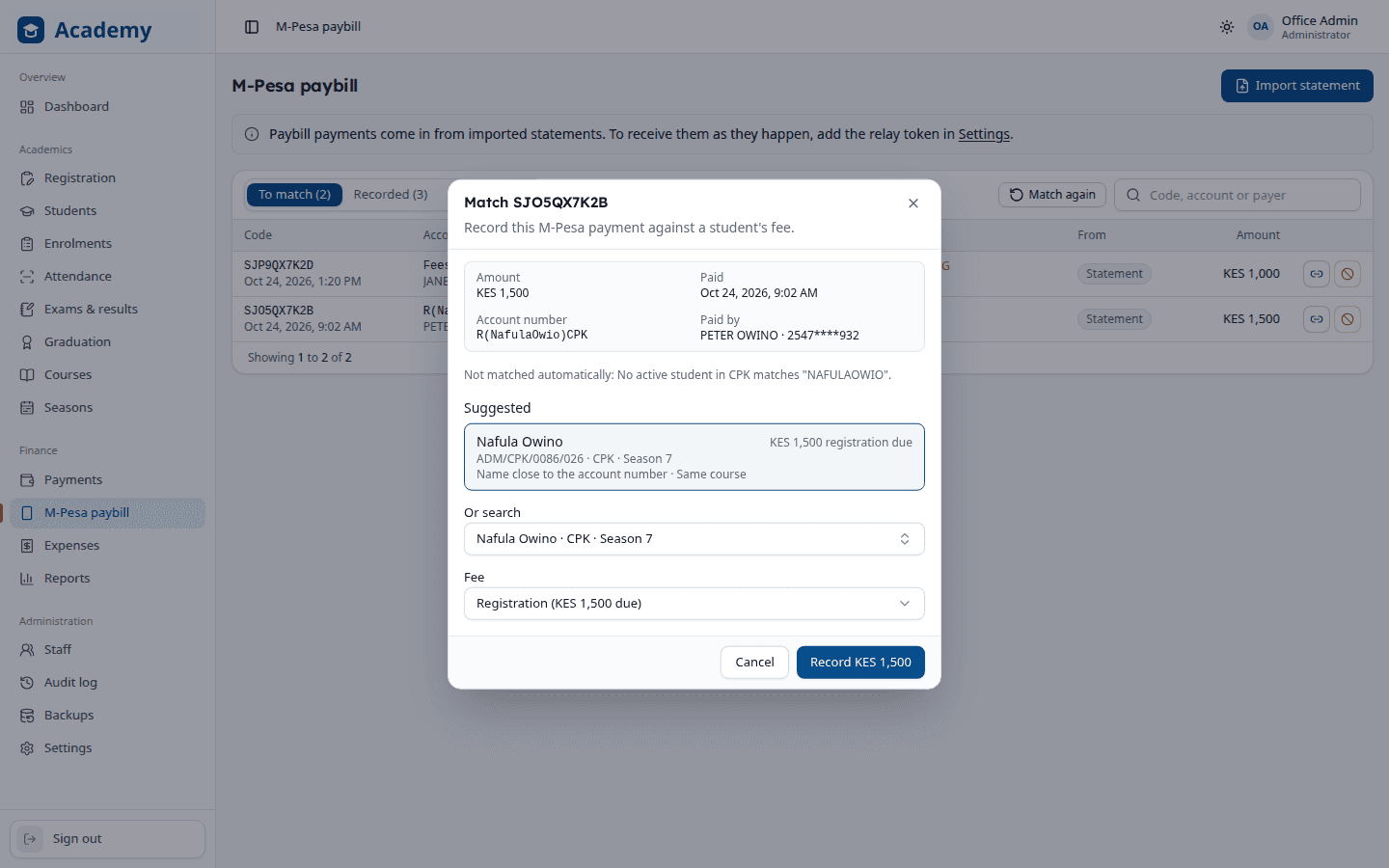
M-Pesa paybill payments arrived with misspelled names and account numbers, and had to be matched to students by hand.
- 03
Class and assembly attendance, exam marks, and transcripts were compiled manually at the end of every twelve-week season.
What we built
Everything the school office does, in one place
Admissions in bulk
Import a whole intake from Excel with typos fixed, or let applicants register online from their phones.
Attendance by QR scan
Each student's booklet carries a QR label, scanned by a USB scanner or webcam for class and assembly registers.
Fees and M-Pesa, reconciled
Paybill payments are recorded automatically, misspelled names get suggested matches, and receipts print at the desk.
Exams, graduation, and transcripts
Spreadsheet-style mark sheets with weighted grades, and a whole season's transcripts in a few clicks.
Works offline, on several computers
One main computer holds the records and the rest connect over the office network, with daily backups to Google Drive.
The right access for every role
Admins, principals, deans, finance, and teachers each see only what their job needs, and every change is logged.
Reports & insights
Every student and every shilling, accounted for
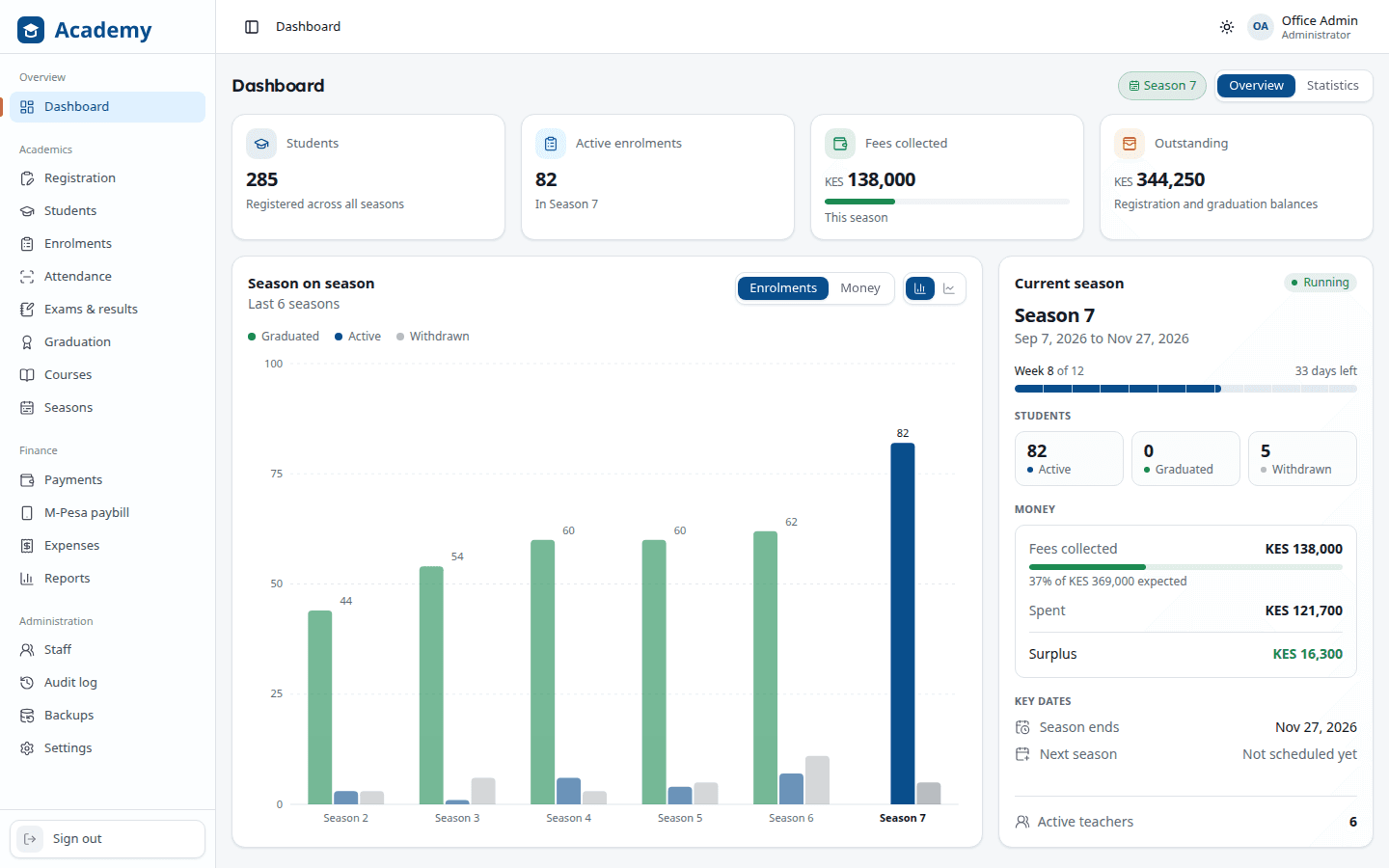
The dashboard compares each season with the last, and the reports show where the money came from, where it went, and who still owes.
Dashboard
Students, enrolments, and fees collected and outstanding, season on season.
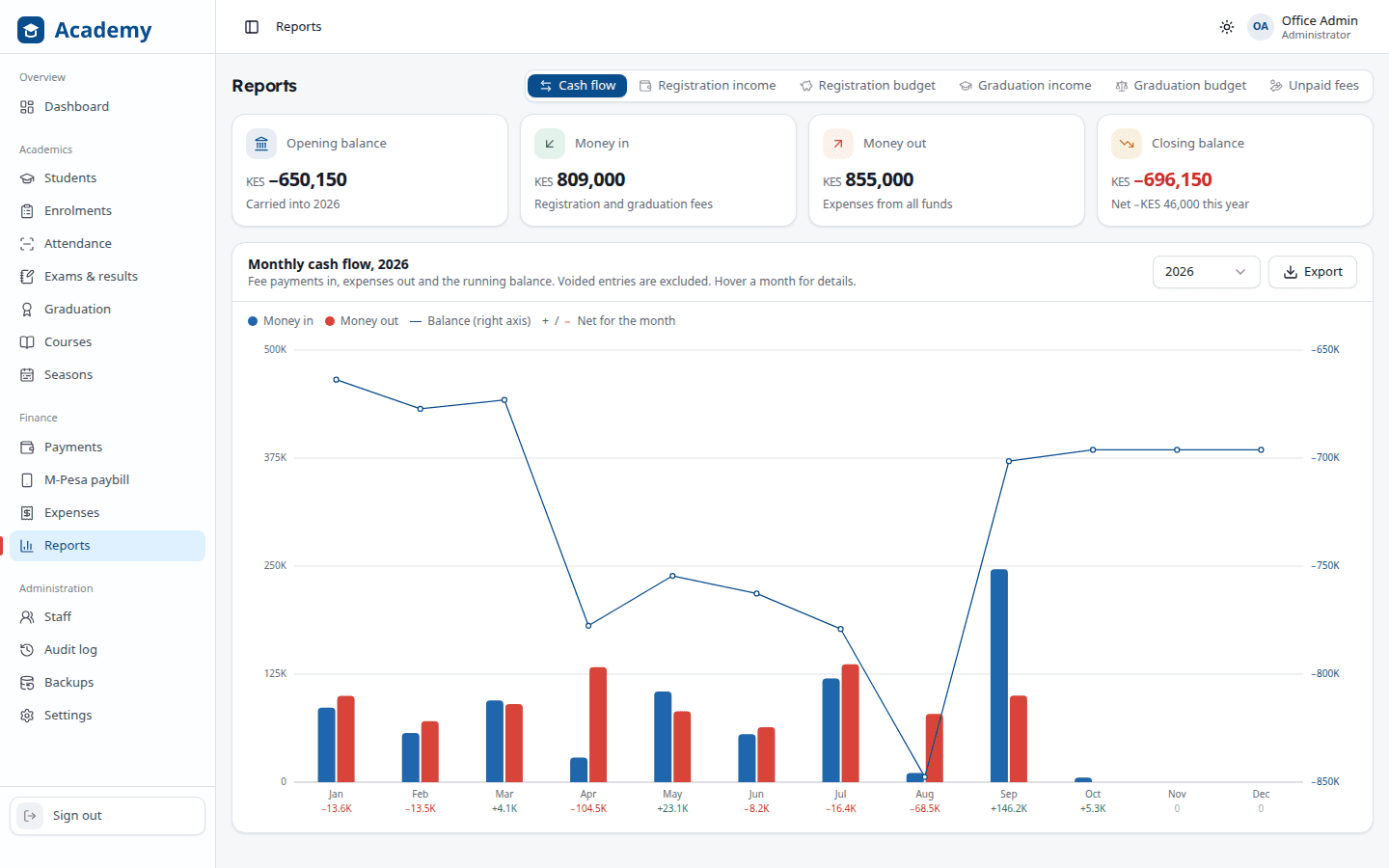
Cash flow
Money in and out by month, with the running balance and each month's net.
Income
Registration and graduation fees expected, collected, and outstanding for each season.
Season budgets
Each season's registration and graduation budget against what was actually spent.
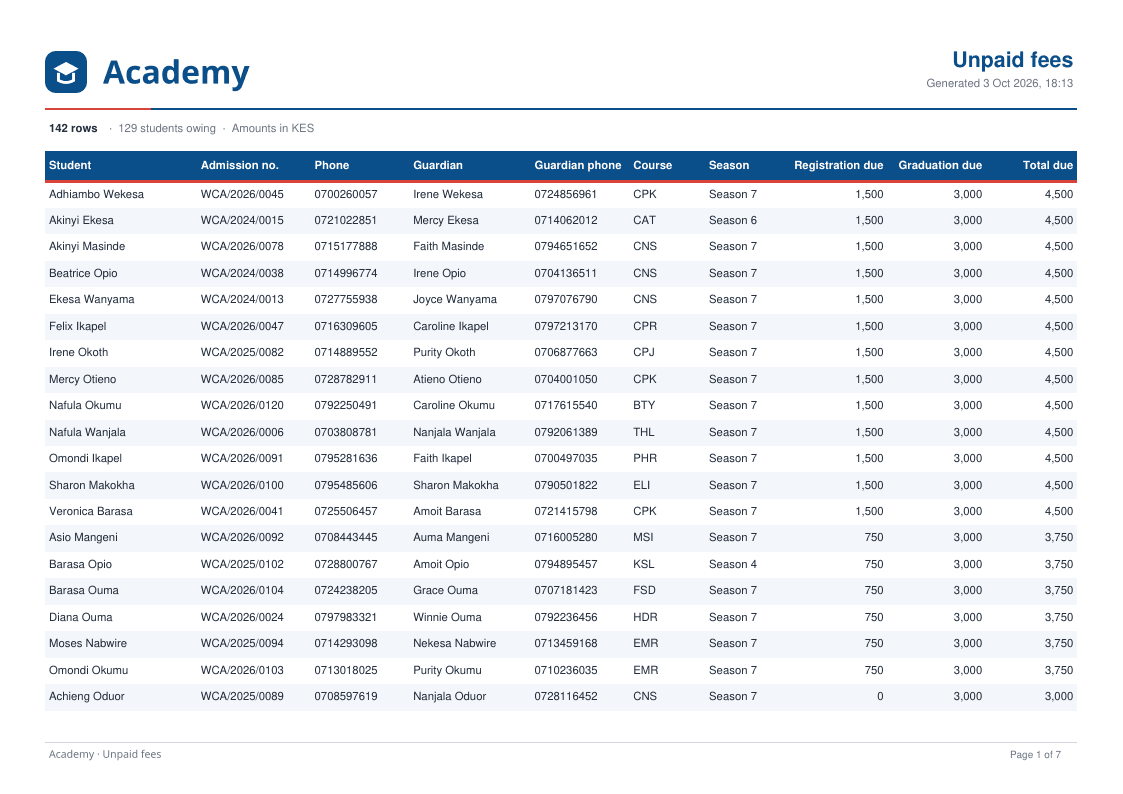
Unpaid fees
Every student who owes, largest balance first, with phone numbers to follow up.
Results and transcripts
Class results, graduation lists, and transcripts with attendance and exam marks.
Controls & safeguards
Safeguards built into every screen
Student records and school fees need care. Every role sees only its own work, every change is on record, and the routine follow-ups run themselves.
Roles enforced by the server
Deans run academics without seeing money, finance sees only the money pages, and teachers see only their own classes, checked by the server and not just hidden in menus.
An audit log in plain English
Every change by anyone, with who made it and when, filterable by area, person, and date, and failed sign-ins marked in red.
Emails that send themselves
New students get their admission number and class within a minute, and staff get their passwords and reset codes by email.
Voided with a reason, never deleted
Payments and expenses are voided with a reason and students deactivated with one, so the history always adds up.
Graduation that checks itself
Attendance, exam, and fee rules are checked for every student, and eligible students graduate on their own as the season ends.
Backups to Google Drive
Automatic copies on the computer and in Google Drive, a warning when backups stop, and a one-click restore.
The results
What changed for the school
- New students admitted every twelve-week season
- 1,000+
- Students a year in one system
- 4,000+
- Staff roles, each with its own access
- 5
- From brief to running the school office
- 2 months
“Admitting a new intake used to take days of typing. Now attendance, fees and transcripts are all in one place, and paybill payments find the right student on their own.”
Running a school or training centre?
Tell us how you handle admissions, fees, and exams today, and we'll show you what one connected system could look like. We usually reply within one business day.